
Google Business Profile Optimization (2026): Step-by-Step Proven Local SEO Guide
Local searches drive consumer decisions. A well-optimized Google Business Profile optimization strategy helps you show up in the Local Pack, Google Maps, and AI-powered local results.
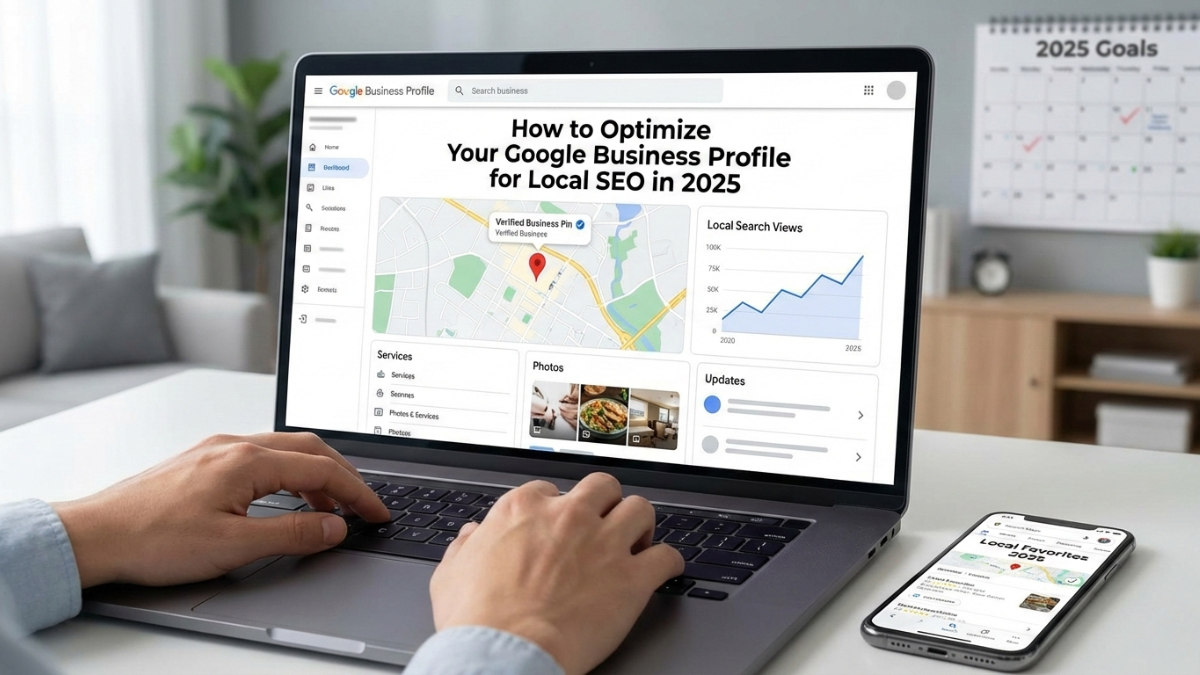
To optimize your Google Business Profile in 2026: verify your listing, complete every field (NAP, hours, categories, attributes), add fresh photos/videos, publish weekly Google Posts, list products/services, respond to every review, enable messaging and Q&A, and track insights while keeping your business data consistent across your website and directories.
- Primary category, review recency, and engagement strongly influence Google Maps visibility.
- Fresh content (posts + photos) signals activity and can improve prominence.
- Accuracy matters because GBP data can appear in AI-driven local results.
Key Takeaways for Google Business Profile Optimization (2026)
- Complete your profile 100% (NAP, hours, categories, attributes, services/products).
- Post weekly and upload new photos monthly to keep your profile active.
- Build a consistent review strategy (volume + recency + responses).
- Use Q&A and messaging to increase engagement and conversions.
Table of Contents
What Changed for Google Business Profile in 2026?
In 2026, Google continues prioritizing relevance, proximity, prominence, and user engagement. Features like expanded attributes and faster review management make Google Business Profile optimization more impactful than ever.
At Local SEO UP, we help businesses increase local visibility through GBP optimization, review strategy, and scalable campaigns.
Why Google Business Profile Optimization Matters in 2026
A complete and active Google Business Profile can improve your Google Maps ranking and lead flow:
Optimized profiles are more likely to earn customer trust and clicks.
Posts, photos, and review interactions strengthen prominence signals.
Engagement metrics influence rankings more than ever.
Ignoring your profile means leaving foot traffic and leads on the table. Here are the optimization steps.
Get a Free Google Business Profile Audit
We’ll identify quick wins and the exact fixes needed to improve Maps visibility and calls.
Step-by-Step: Optimize Your Google Business Profile for Local SEO
Step 1: Claim and Verify Your Google Business Profile
Claim your GBP via Google Search or Maps. Verification (phone, email, postcard, or video) is mandatory for eligibility and trust.
Pro Tip: Re-verification is more common in 2026. Keep your details consistent to reduce triggers.
Step 2: Complete Every Section with Accurate Information
Google favors 100% complete profiles. Fill out:
- Business Name, Address, Phone (NAP): Keep exact consistency across your website and directories.
- Hours of Operation: Update regular, holiday, and special hours to protect trust.
- Primary and Secondary Categories: The primary category is a major ranking driver—be specific.
- Attributes: Use relevant options (e.g., women-led, eco-friendly, accessibility, payments).
Step 3: Craft a Compelling Business Description
Use your 750-character description to highlight unique selling points and include local terms naturally (avoid stuffing).
Step 4: Add High-Quality Photos and Videos
Profiles with fresh visuals get more views and engagement:
- Upload exterior/interior shots, team photos, and services in action.
- Add menus and documents where relevant (Google can extract information from uploads).
- Aim for 10+ photos and refresh seasonally.
Step 5: List Products and Services
Add offerings with descriptions, pricing (if possible), and images to improve relevance for product/service local searches.
Need help implementing this? See our Local SEO services.
Step 6: Post Regularly with Google Posts
Treat GBP like social media:
- Share offers, events, updates, and news.
- Include calls-to-action and local language naturally.
- Posting weekly keeps your profile fresh and supports engagement.
Step 7: Manage Reviews Actively
Reviews remain a top factor—quantity, recency, rating, and response rate matter:
- Request reviews via email/SMS (no incentives).
- Respond promptly to all reviews to build trust.
- Report spam reviews from the dashboard.
- Prioritize steady review velocity (recency matters in 2026).
Step 8: Use Q&A and Messaging Features
- Pre-populate common questions with accurate answers.
- Enable messaging for real-time support and leads.
- Use AI-assisted replies carefully—personalize for authenticity.
Step 9: Monitor Insights and Stay Consistent Off-Profile
- Track searches, views, calls, and direction requests.
- Maintain NAP consistency across citations and your website.
- Build local backlinks and publish location-focused content.
- ✅ Verified profile + complete NAP + correct categories
- ✅ Updated hours + relevant attributes
- ✅ Weekly posts + monthly photos
- ✅ Active review requests + fast replies
- ✅ Q&A + messaging enabled
- ✅ Consistent citations + local backlinks
Emerging 2026 Trends to Watch
- AI Integration: GBP data feeds AI-driven results—accuracy is critical.
- Engagement Focus: Interactions (photo views, review clicks, post taps) influence rankings more.
- Hyper-Local Signals: Tie posts and content to community events and local context.
Ready to Improve Your Google Maps Rankings?
Google Business Profile optimization isn’t a one-time task—it’s an ongoing strategy that impacts rankings, traffic, and revenue.
At Local SEO UP, we specialize in GBP optimization, review management, and comprehensive local SEO campaigns tailored to your business.
Google Business Profile Optimization FAQ (2026)
How often should I update my Google Business Profile in 2025?
Post weekly, add fresh photos monthly, and update hours/attributes immediately when anything changes.
What is the #1 ranking factor inside Google Business Profile?
Your primary category is one of the strongest GBP ranking factors—choose the most specific match for your core service.
Do Google Posts help local rankings?
Yes—posts can increase engagement signals (clicks/interactions) and keep your profile active, supporting prominence.
How many photos should my business add to GBP?
Aim for 10+ high-quality photos, then refresh seasonally to show activity and improve engagement.
How do I respond to negative reviews correctly?
Reply quickly, stay professional, address the issue directly, and offer a resolution path. Consistent responses build trust.